


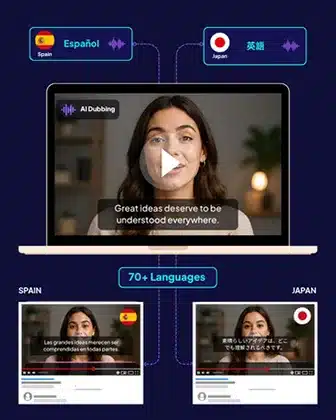
emotii Video AI Studio recreates your video in 70+ languages while preserving meaning, intent, timing & cultural relevance – so your content connects globally without losing its original impact.
emotii Video AI Studio recreates your video in 70+ languages while preserving meaning, intent, timing & cultural relevance – so your content connects globally without losing its original impact.

It is a long established fact that a reader will be distracted by the readable content of a page when looking at its layout.


The smartest way to localise videos without compromising meaning or viewer experience



The next-generation Video AI Studio where intent stays intact across languages.


Manual video localisation slows teams down with repetitive editing & rework. The workflow removes these inefficiencies by automating adaptation and formatting while maintaining consistency across every video output - all this without additional operational effort.
Automate Your Workflow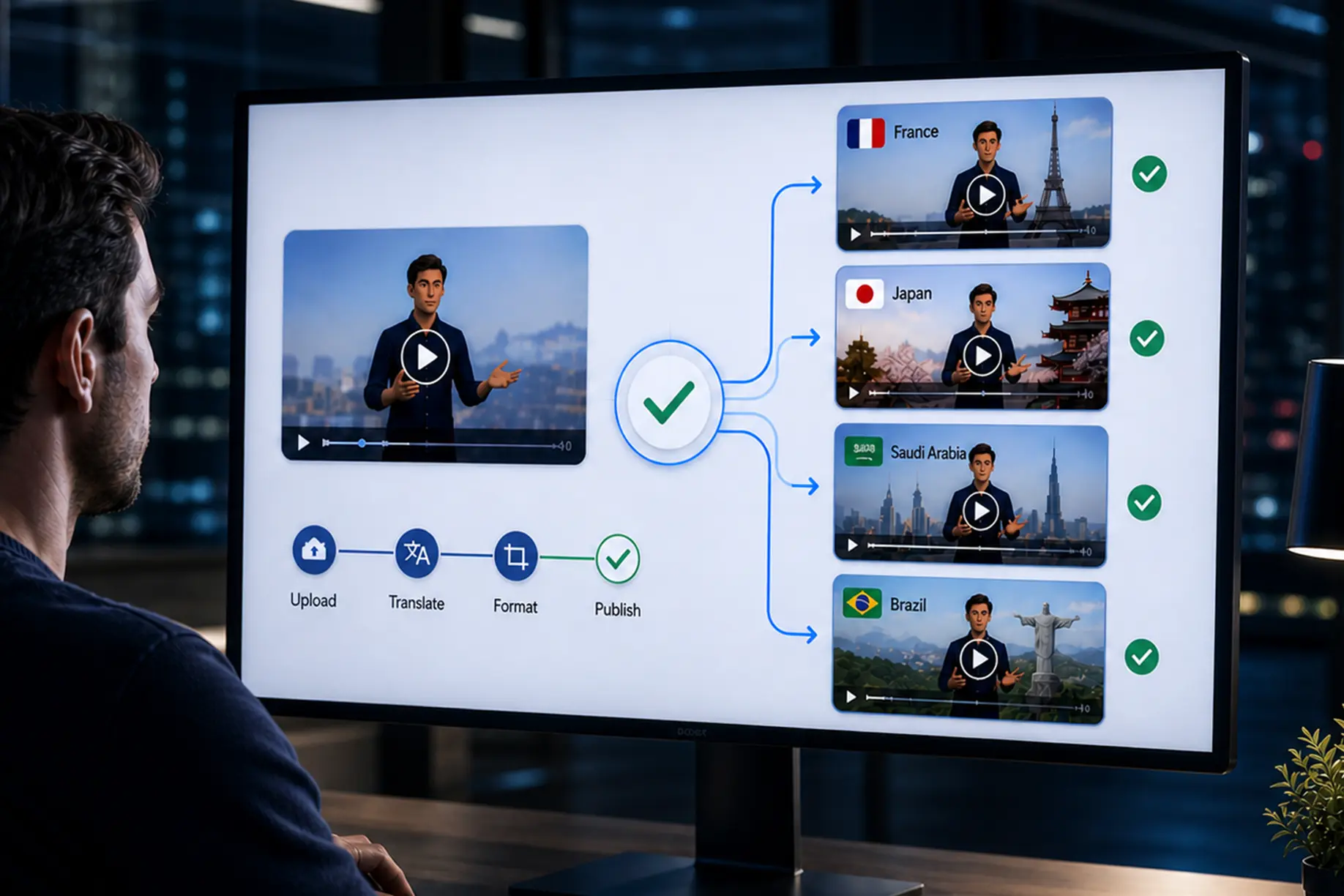
Video content is processed from upload to multilingual output in significantly reduced time. This enables faster campaign launches and content distribution without depending on traditional editing cycles or external production delays.
Deliver Videos Faster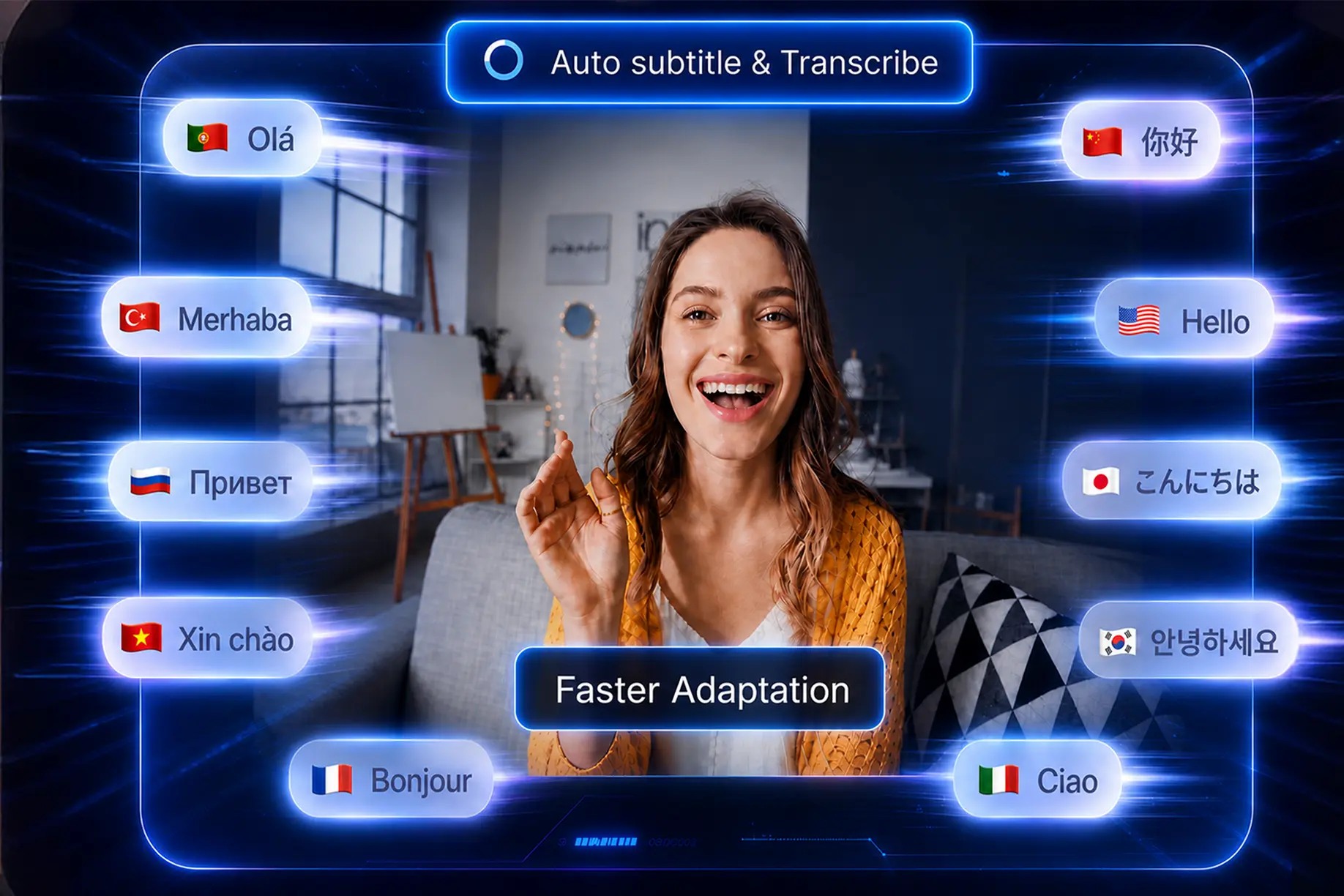
All adaptations are shaped by contextual and regional understanding, ensuring your content feels natural to local audiences. This helps maintain cultural accuracy and improves engagement across different geographies.
Localise with Precision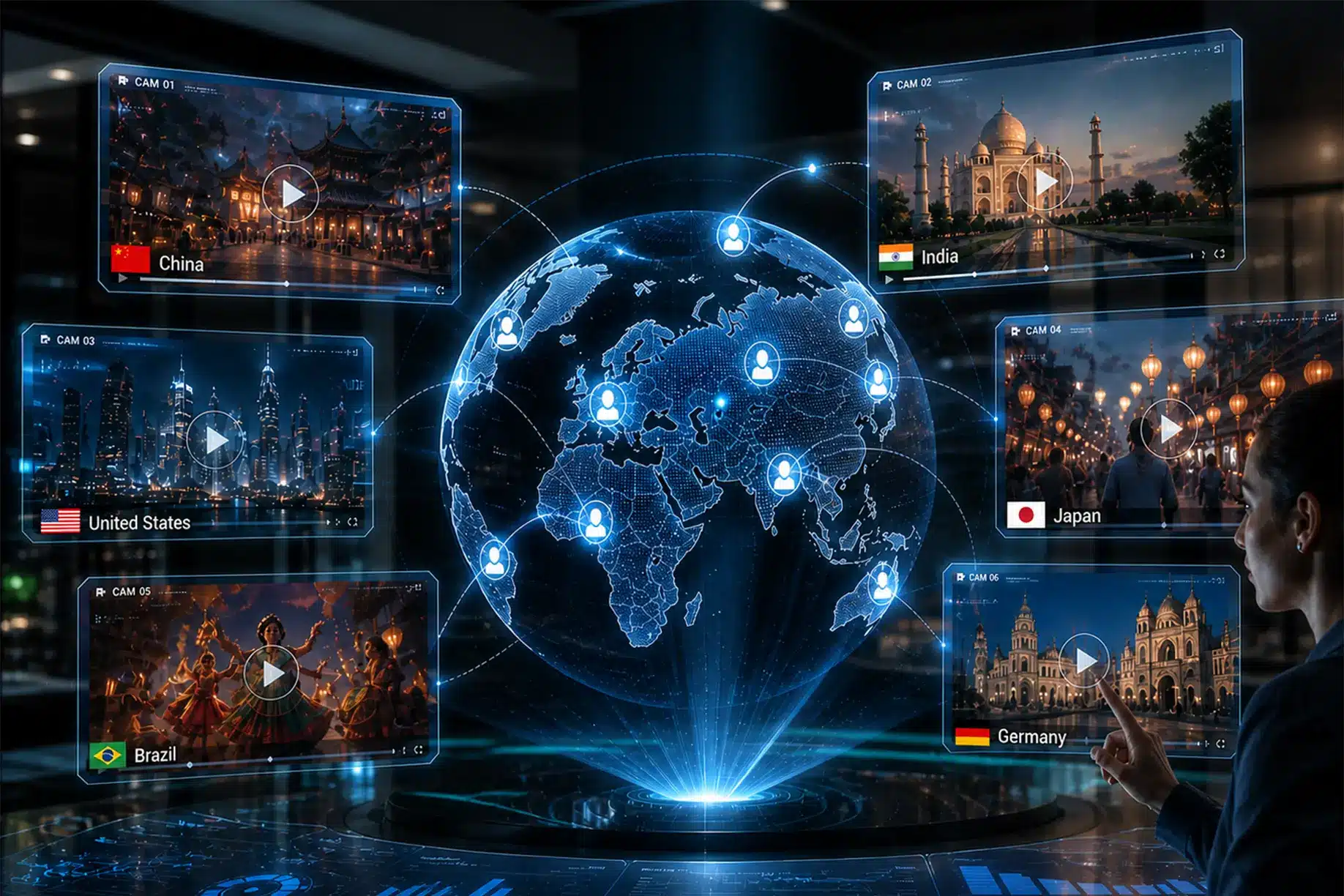
Existing video assets can be reused and expanded into multiple languages without recreating content. This allows teams to scale distribution efficiently while maintaining consistency in quality and brand communication across markets.
Scale Content Globally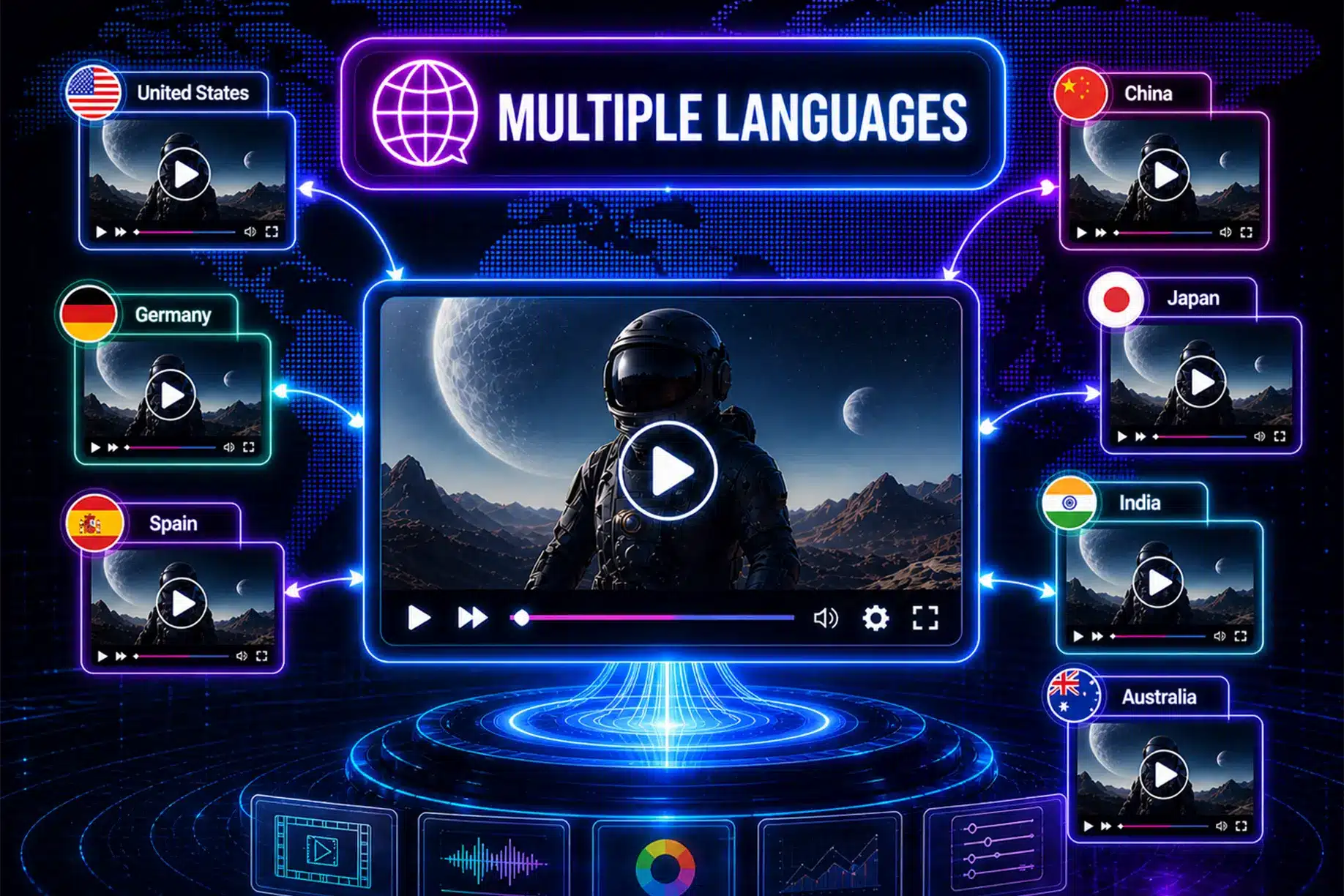
Language support enhances accessibility by making video content understandable to wider audiences across regions. This helps ensure information is accessible to users who prefer consuming content in their native or preferred language.
Expand Audience Reach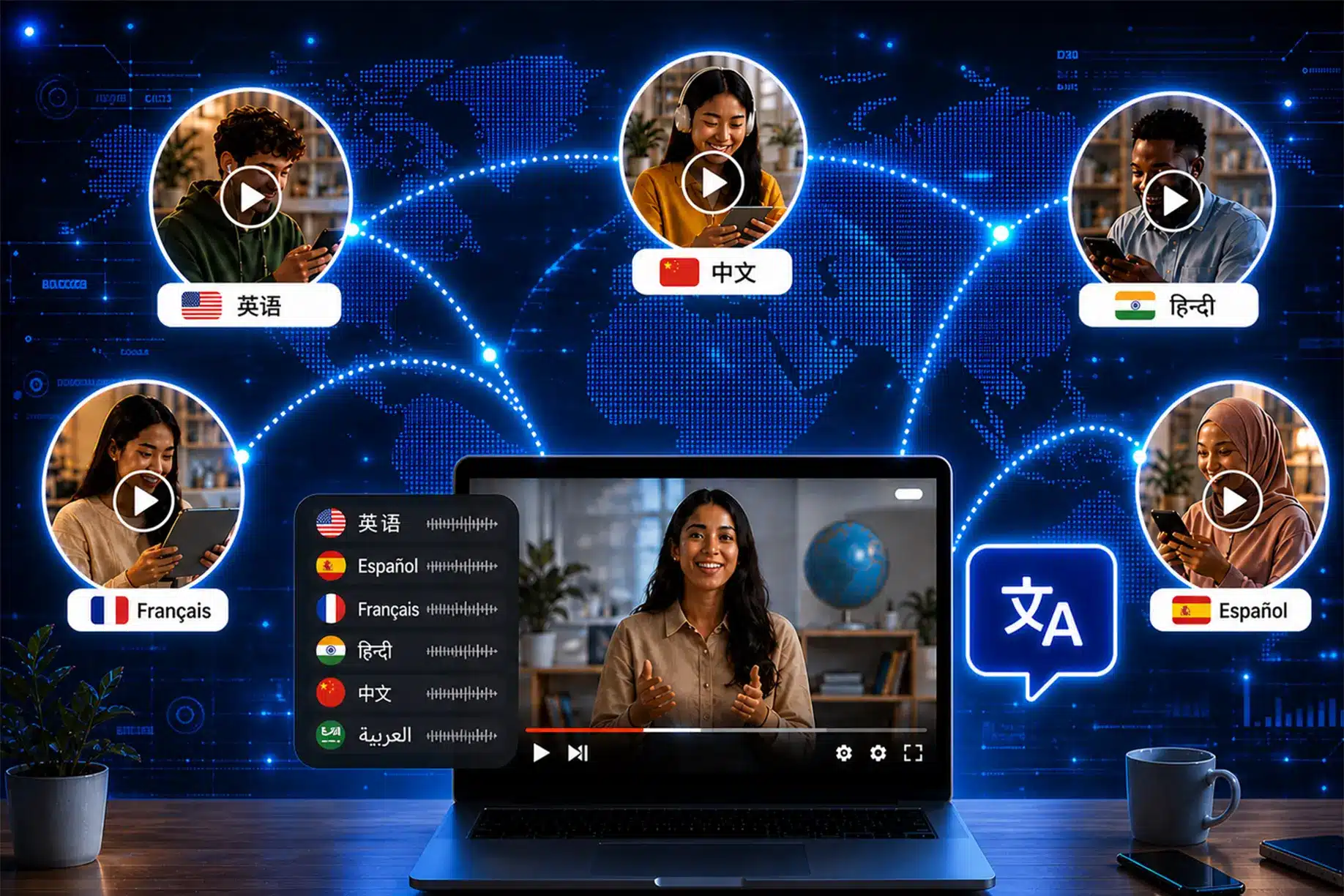
Upload your video in MP4, MOV, MKV, WEBM or AVI format, choose a target language, and localisation runs automatically. Your adapted video is instantly available for download, with transcripts and delivery details shared via email.
Book a Free ConsultationUpload your video directly into the Studio and choose your source and target languages from 70+ supported options. Different formats and long-duration videos are handled without requiring additional setup or processing steps.
The full video is processed in context to generate natural multilingual output while synchronising interpreted speech with original video timing for smooth playback across the entire viewing experience.
Your adapted video is available for immediate download once processing is complete. An email notification is also shared with download access, along with transcript files and delivery details for quick reference.
With emotii Video AI Studio, turn one video into instant multilingual content while preserving meaning and impact everywhere.
We'd love to hear from you! Please fill out the form and we'll get back to you as soon as possible.